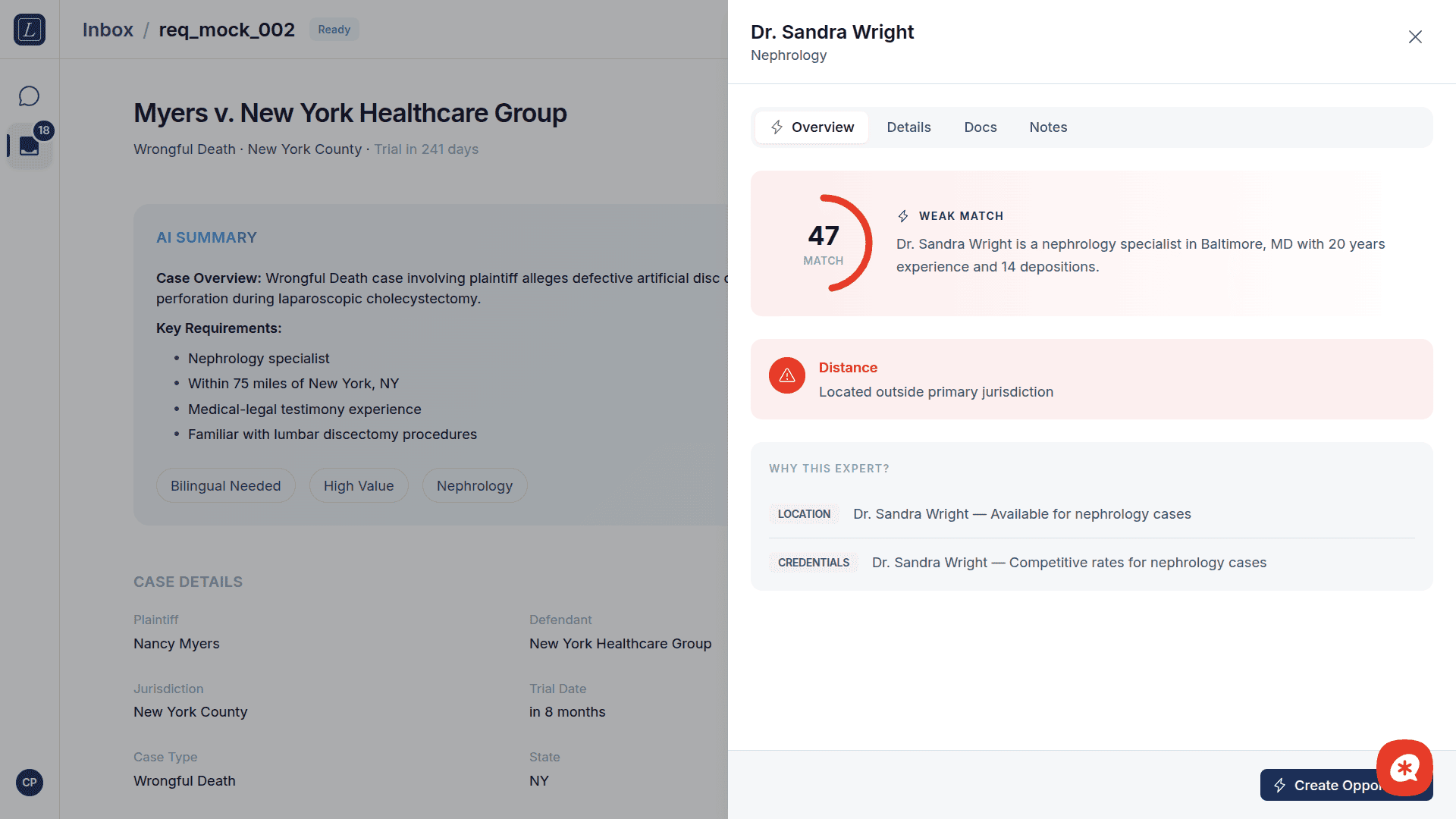

All expert searches enforce a 75-mile radius from the case location. This is a legal industry standard, as expert witnesses should generally be located within reasonable proximity to the venue.
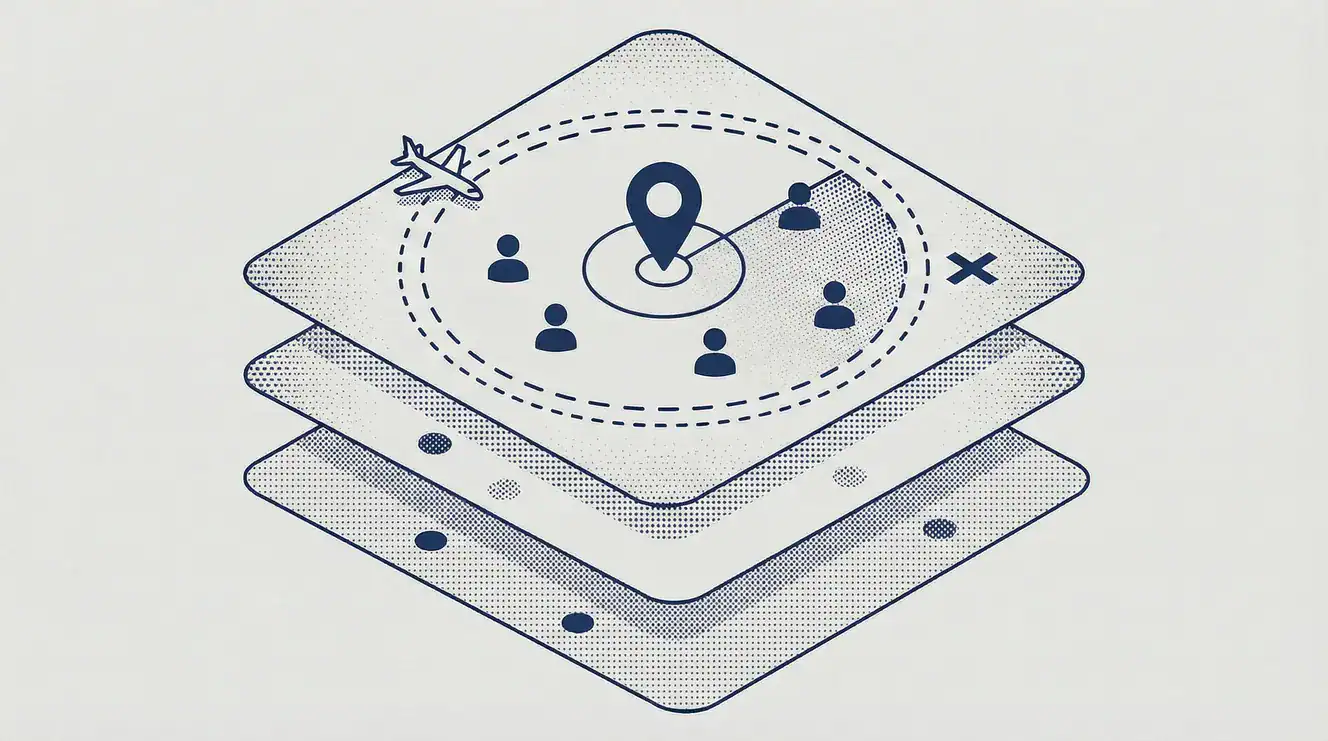
How it works
Case location is geocoded
When a request specifies a location (city/state or ZIP), the system converts it to latitude/longitude coordinates.
Expert locations are pre-geocoded
During Salesforce sync, each expert's mailing address is geocoded and stored.
Distance is calculated
The system uses the haversine formula (spherical Earth model) to compute the straight-line distance.
Filtering happens at the database level
PostgreSQL's earth_distance() function efficiently filters candidates before scoring begins.
Distance categories
After distance calculation, experts fall into one of three categories:
Category | Distance | Travel field | Shown in results? |
|---|---|---|---|
Within radius | ≤ 75 miles | — | ✅ Yes, ranked normally |
Beyond but can travel | > 75 miles | Lists the target state | ✅ Yes, clearly labeled |
Filtered out | > 75 miles | Does not list target state | ❌ No |
When no experts are within range
If no experts pass the 75-mile filter, the system will:
Incrementally expand the radius (75 → 100 → 150 miles)
If still empty, return an empty result set with an explanation
The AI chat will suggest broadening criteria (different specialty, removing side preference)
Travel override
Some experts are willing to travel beyond their local area. The Can Travel field in Salesforce lists the states they'll travel to. If the target state of the case is listed, the expert appears in the "Beyond but Can Travel" section of results — clearly separated from local experts.