

This guide walks you through your first session, from logging in to searching for an expert using the AI Chat.
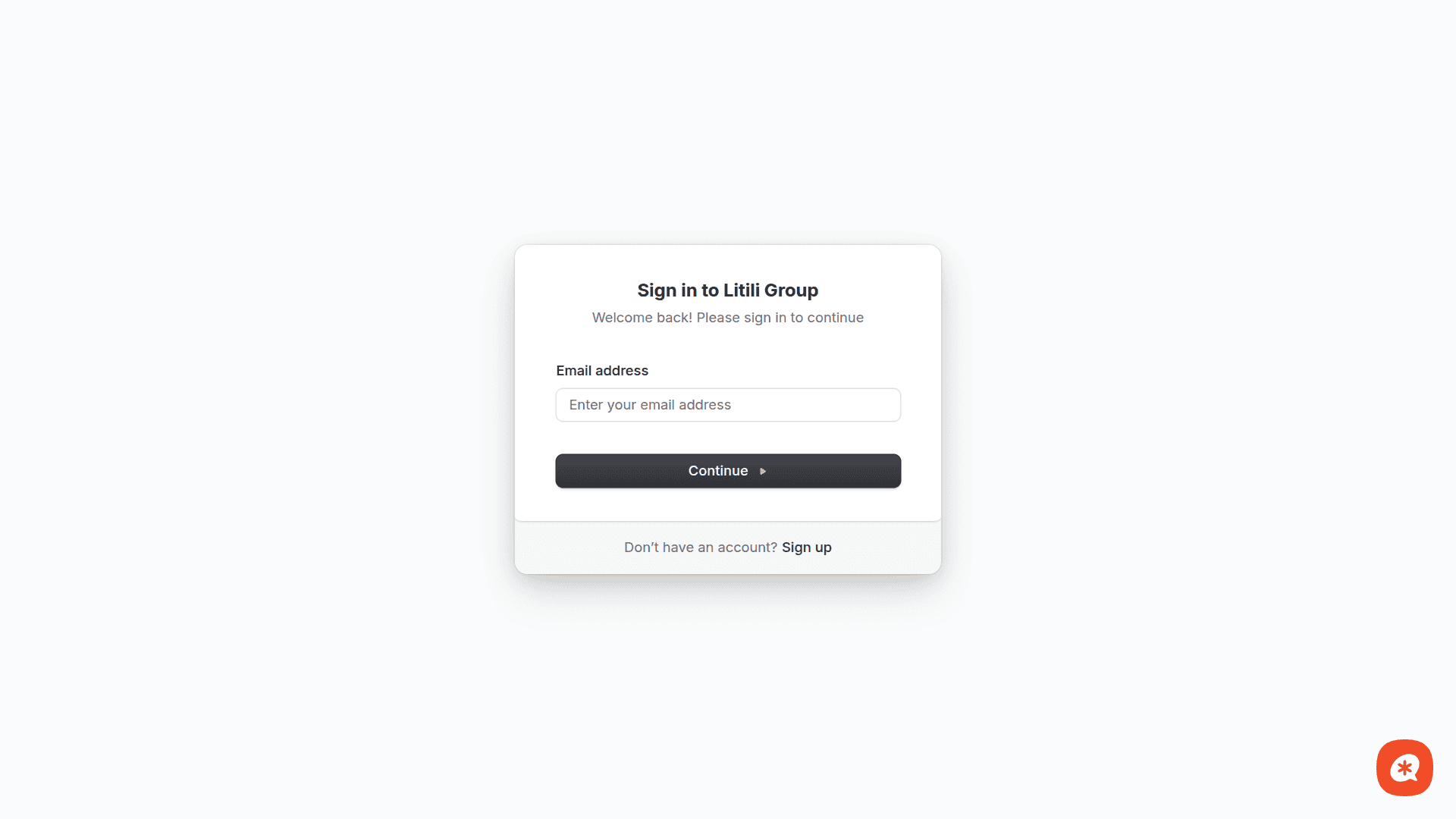
Step 1: Log in
Go to https://experts.litili.group/login. Only invited members can sign in using their organization's email.
Step 2: Use the AI Chat
After logging in, open the Chat page from the sidebar. This is the primary way to interact with the platform today — search experts, check conflicts, pull up profiles, and manage cases using natural language.
Try a prompt like:
Find me a cardiologist in Los Angeles who has testified and works primarily for the defense.
The AI will:
Search the expert database using your criteria
Return ranked results with explanations
Offer to check conflicts or pull up detailed profiles
Step 3: Review results and select an expert
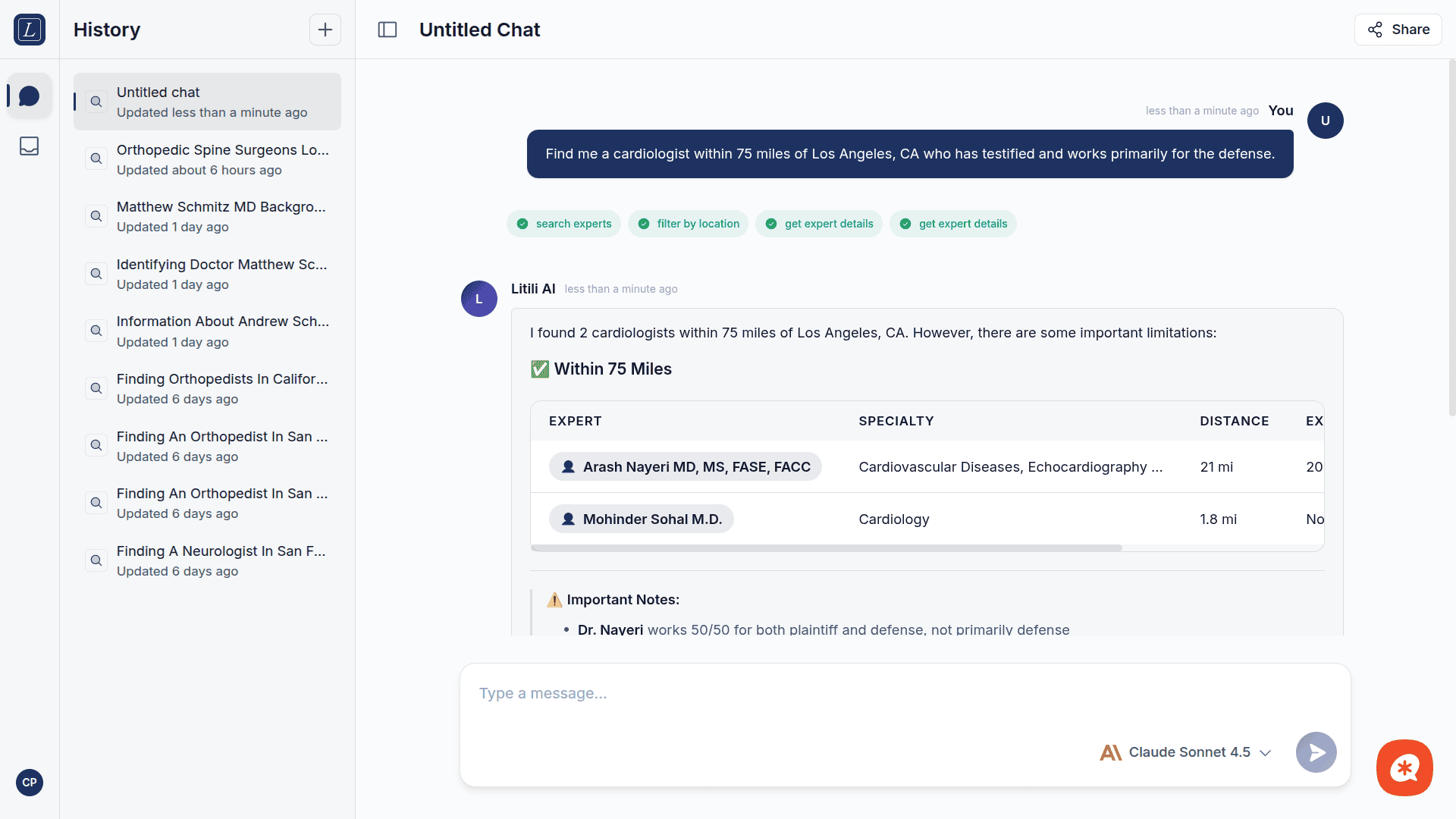
Once the AI returns matches, you can:
Ask follow-up questions — "Tell me more about the first expert" or "Check conflicts with defendant XYZ Corp"
Compare options — "Compare the fees for these three experts"
Select an expert — The AI can guide you through the selection and conflict check process
Context carries across messages, so you can refine your search naturally without re-stating your criteria.
Inbox & Request Intake (Coming soon)
The following features are currently being integrated with the backend and will be available soon:
Inbox — Your central hub for all expert requests. Review incoming requests with AI-generated summaries, status badges (New, In Progress, Matched, Closed), and top matches at a glance.
Request Intake — Submit structured expert requests for internal and external cases via a guided form.
Expert Matching UI — A visual interface to browse, filter, and compare matched experts with score tiers, profiles, and fee schedules.
Next steps
AI Chat guide — Master prompt techniques and tool capabilities.
AI Models — Learn which model to use for different tasks.
Best practices — Tips for getting the most accurate matches.
Limitations — Understand current system boundaries.